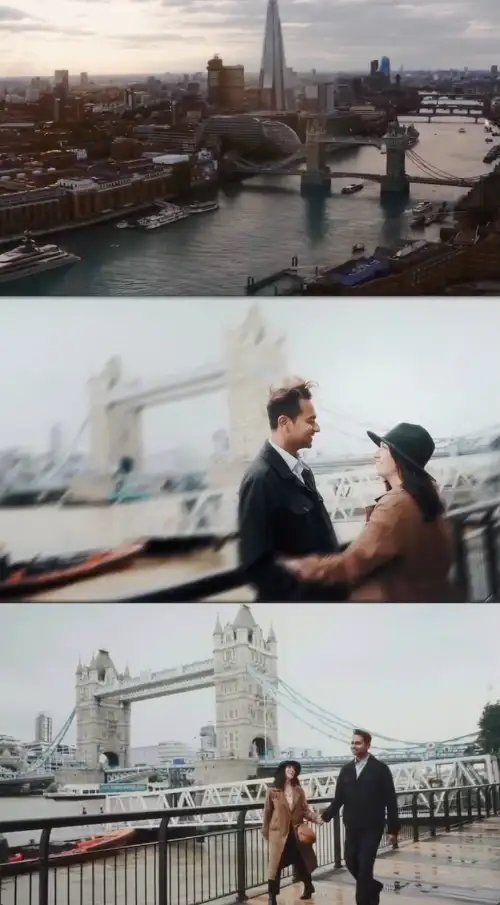
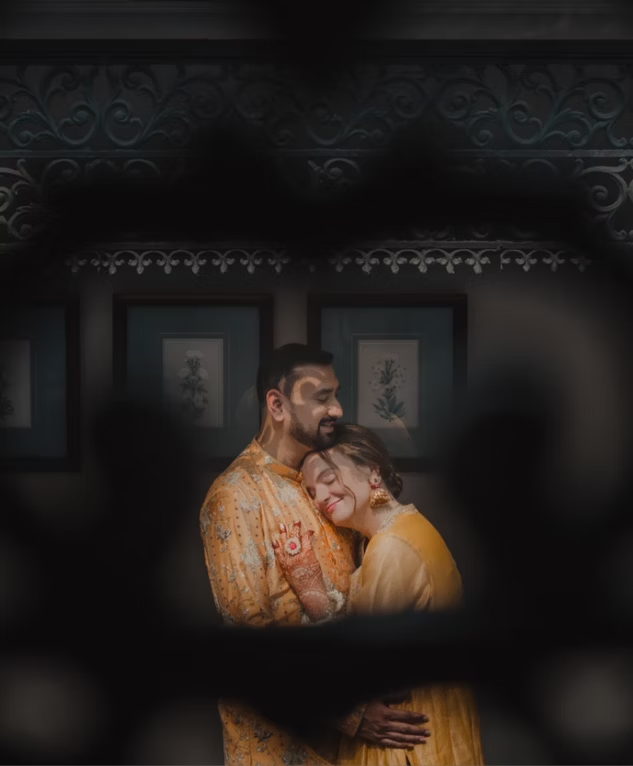
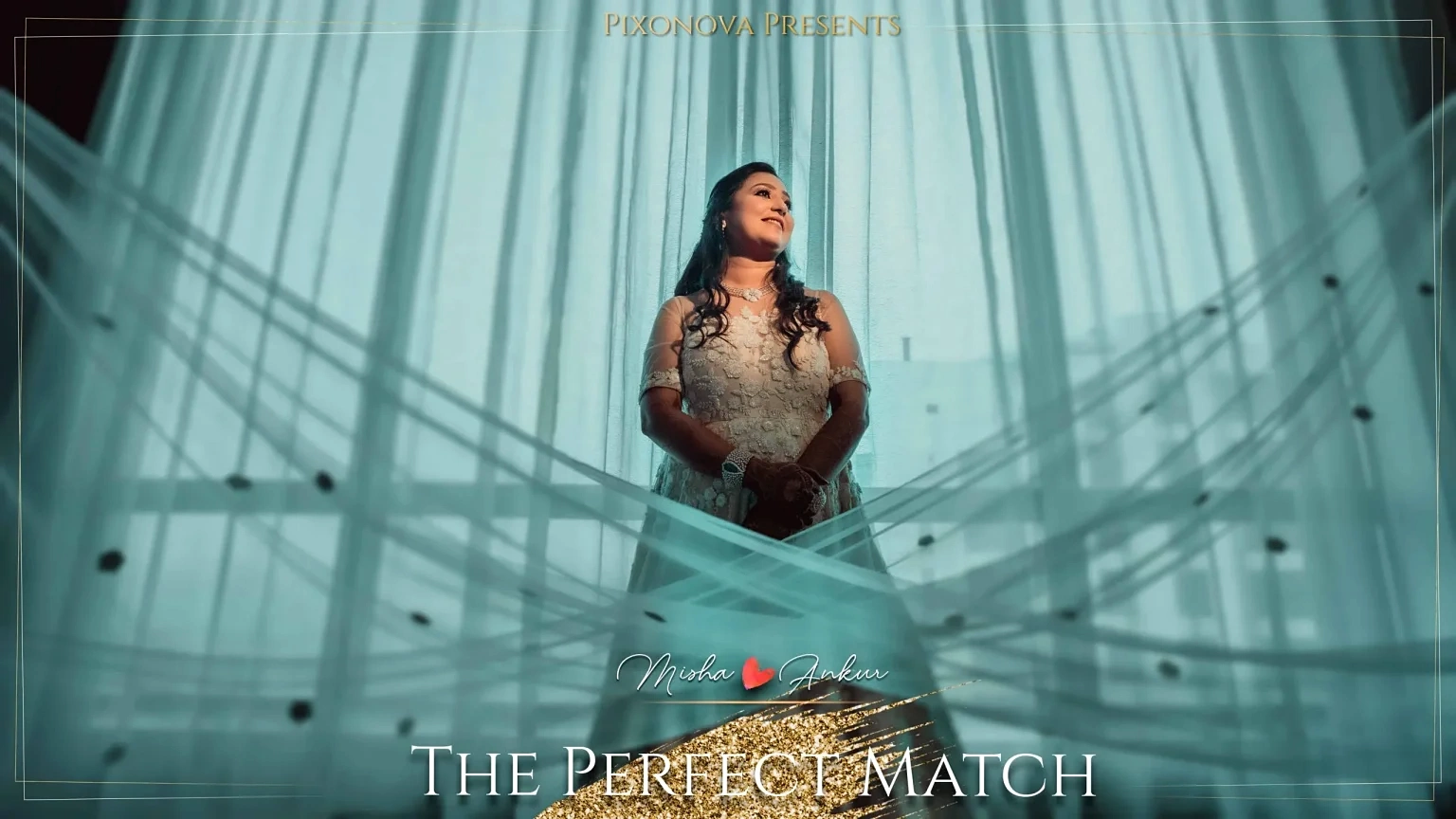
Wedding Reels by Piixonova
Reelsexperience
How to edit the reels (this note is only visible here, never on the live page)
Order: the order below = the order on the live page. Drag a Reel up or down in the Structure panel.
Cover: click the image inside a Reel and pick another one from the Media Library (set its alt text = the reel title).
Video link: select the Reel (not the image) → Style tab → Attributes → the row data-pxv-video: paste an .mp4, a Bunny .m3u8 or a YouTube / Vimeo link.
Add: right-click a Reel → Duplicate, then change its cover + link. Remove: delete the Reel. Nothing else needs touching.
Look: colours and sizes = Custom CSS on the element Page: Reels (variables on top). Intro card and buttons are normal elements: edit their text directly. Code = Page settings → Custom code (documented at its top).